The challenge
The 10-day build
10 days in two 5-day levels, one project all the way through. Level 1: code with a chatbot and an AI pair programmer, and prove it works with tests. Level 2: put a model inside your tool, local or frontier, hand work to a coding agent, break your own security, and leave with a portfolio you can talk through in an interview. All of it is free. Most days follow a free GitHub Skills exercise, checked step by step by GitHub Actions, and the founder walks through it live.
Day 1 is free, today. Days 2 to 10 unlock one at a time. Premium adds live calls with the founder.
- Wave
- Wave 1
- Dates
- To be announced
- Days
- 10
Level 1, days 1 to 5
Build it
Beginner. Days 1 to 5: a first live page, made yours, a form that saves data, a bug found and fixed, then your tool live on GitHub Pages. Take it on its own, or start here.
Finish Level 1, get your Level 1 certificate
-
Day 1Start hereAbout 30 minutes
Idea to build brief, then a live page
You end up with: A build brief that turns your idea into something an AI can act on, then a first page a chatbot wrote from it, live at an address you can share, and you can explain every line.
Follows: GitHub Skills, GitHub Pages
Follows GitHub Skills, GitHub Pages: you copy the exercise into your own GitHub account and GitHub Actions checks each step. GitHub says the exercise takes less than one hour. You need a free GitHub account and a browser.
- Sign in to your free GitHub account and open the GitHub Skills GitHub Pages exercise.
- Copy the exercise to your account, as its page shows, and wait for the first step to appear.
- Describe the page you want to an AI assistant in plain words, and ask it for the HTML.
- Put the page in your repository, then read every line and ask the AI about any line you cannot explain.
- Turn on GitHub Pages as the exercise shows, and open your live address.
-
Day 2UnlockAbout 45 minutes
Own the code with Git
You end up with: Your page changed through a branch, a commit and a pull request, so every change the AI makes from now on can be seen, reviewed and undone.
Follows: GitHub Skills, Introduction to GitHub
-
Day 3UnlockAbout 45 minutes
An AI pair programmer in your editor
You end up with: Study Buddy saving your topics and scores, built with Copilot in your editor: you ask, it suggests, you accept only what you understand.
Follows: GitHub Skills, Getting started with GitHub Copilot
-
Day 4UnlockAbout 45 minutes
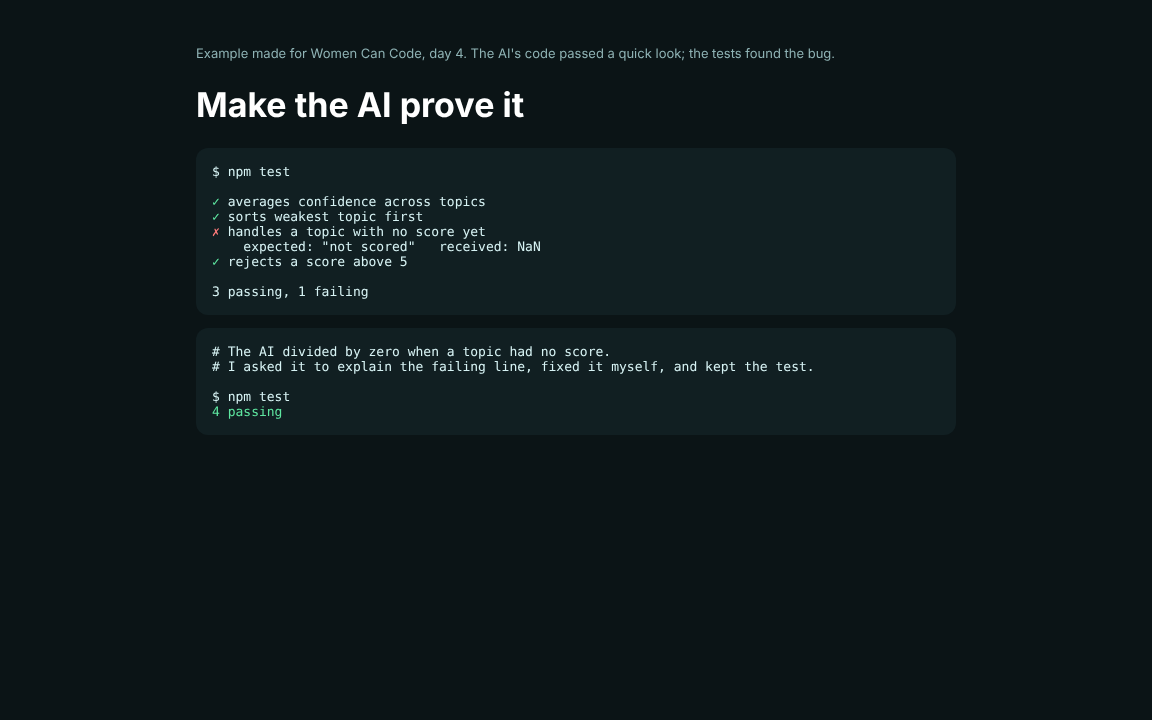
Tests: make the AI prove it
You end up with: Tests for what Study Buddy must do, a bug the AI wrote caught by one of them, fixed by you, and the test kept so it stays fixed.
Follows: GitHub Skills, Test and debug with GitHub Copilot
-
Day 5UnlockAbout 45 minutes
Launch Level 1, and start your portfolio
You end up with: Study Buddy live on GitHub Pages with its tests passing, and a README that says what it does, how you tested it and what you would change: the first page of your portfolio.
Follows: GitHub Docs, Quickstart for GitHub Pages
Level 2, days 6 to 10
Make it real
Next level. Days 6 to 10: build for someone else, connect it to the world, keep it safe, review and polish, then launch at demo day. Take it after Level 1, or on its own if you have shipped a page before.
Finish Level 2, get your Level 2 certificate
-
Day 6UnlockAbout 60 minutes
Put a model inside it: local or frontier
You end up with: Study Buddy answering questions from your own notes, tried two ways: a local open model on your laptop with Ollama, and a frontier model by API. You compare cost, privacy, speed and quality, and choose.
Follows: No GitHub Skills course for this day: Ollama, on GitHub, and your chosen model provider's quickstart
-
Day 7UnlockAbout 45 minutes
Hand a task to a coding agent
You end up with: A real feature written by a coding agent from an issue you wrote, and its pull request reviewed by you: what you kept, what you sent back, and why.
Follows: GitHub Skills, Build applications with Copilot agent mode
-
Day 8UnlockAbout 45 minutes
Security: break it before someone else does
You end up with: No keys in your code, a prompt injection tried against your own tool and stopped, a spending cap on anything that can charge you, and a test for each.
Follows: GitHub Skills, Secure Code Game
-
Day 9UnlockAbout 45 minutes
Ship with quality, and code review
You end up with: Tests running on every push in GitHub Actions, your code read by the group and theirs read by you, and Study Buddy usable on a phone and with a keyboard.
Follows: GitHub Skills, Ship with quality
-
Day 10UnlockAbout 60 minutes
Launch, demo day, interview practice and certificates
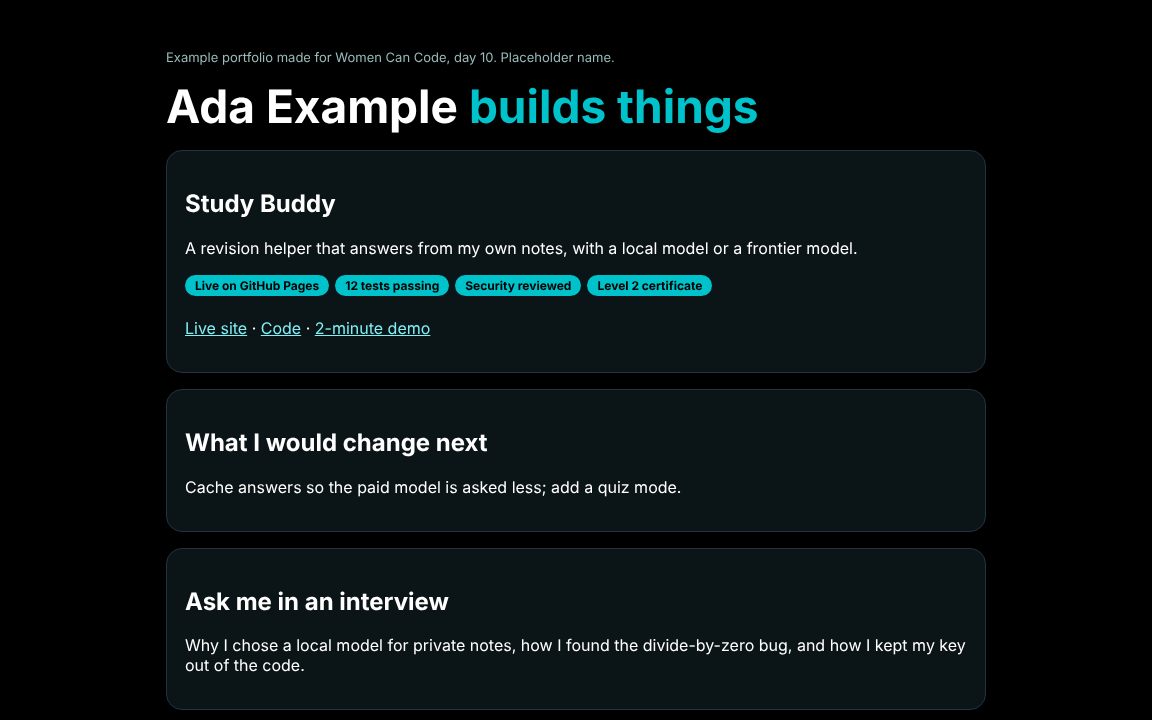
You end up with: Study Buddy launched, a 2-minute demo, a practice technical interview where you talk through your code and change it without the AI, your portfolio page, then the certificate ceremony.
Follows: GitHub Docs, Quickstart for GitHub Pages
Save your place in Wave 1
Days 2 to 10 unlock one at a time, like the next episode. They run live with Wave 1: the founder walks through each day alongside you, and you bring what you built. Register interest and we will tell you when Wave 1 starts.
Two groups
Wave 1: choose your group
Both groups follow the same 10 days. Premium members get every live session, its recording and the group chat.
- Headline option
Night Owls
Online evenings, after bedtime. For women whose days are full.
When: Evenings, UK time, to be announced
Same 10 days as the other group, with recordings of every live session and the group chat. Demo day and the certificate ceremony are shared, online.
Day group
Online in the daytime.
When: To be announced
Same 10 days as the other group, with recordings of every live session and the group chat. Demo day and the certificate ceremony are shared, online.
Premium
Live with the founder, and her agents between calls
The days unlock on their own. Premium is the people part: Lorraine live on the calls, and the agents she runs and checks for the hours she is not there.

- Live calls with the founderEach day walked through live, your build looked at, and fixed together. Recordings if you miss one.
- A day coach, any hourAnswers from that day's material and your own repo. When it is not sure, it passes the question to the founder instead of guessing.
- Code review on your pull requestsChecked against the day's list: tests, no keys in the code, and can you explain it. Marked as an agent, and the founder can overrule it.
- Nudges when you stallIt reads your GitHub Skills progress and checks in. The founder sees who is stuck, every day.
- Certificates the founder signsThe agent gathers your evidence for each level. Only the founder issues the certificate.
Every agent reply says it is an agent. The founder sets what they may do, reads what they did, and can pause any of them.
Register interest in Premium: Live with the founder, and her agents between calls
Level up, optional
What Builders Really Use
Extras for when a day goes well. Each is a free GitHub Skills exercise, made and run by GitHub, linked and not copied. They are not part of the core path.
- With day 3Customize your GitHub Copilot experienceGive your AI pair programmer custom instructions and prompts for your project. GitHub Skills.
- With day 5Build applications with Copilot agent modeLet the AI take a bigger step on its own, then read what it did. GitHub Skills.
- With day 7Integrate MCP with CopilotConnect your AI pair programmer to other tools with MCP servers. GitHub Skills.
Demo day
Day 10: the finale
- 1LaunchYour tool goes live on GitHub Pages. Want your own domain? We show you how to connect one.
- 2Show and tellShow the group what you built and what you fixed along the way.
- 3A 2-minute pitchWho it is for, what it does, and what you would build next.
- 4Certificates and awardsEvery finisher gets a certificate of completion. Awards go to projects, never to people.
- Online
- Both groups together, on the live call
- In person, optional
- London meetup: venue to be announced
- Prizes
- See the awards
- Certificates
- See a sample verifiable certificate
- Photo album
- To be announced
What you finish with
What you leave with
Finish all 10 days and you leave with these.
- Your working toolLive on GitHub Pages in your own GitHub account. Yours to keep, with no hosting cost.
- A verifiable certificate for each levelLevel 1 and Level 2, each issued by the founder and checkable online.
- Your project in the galleryShown in the Women Can Code project gallery.
Want your own domain? We show you how to connect one. It is optional, and the domain is yours to buy if you want one.
Good to know
- Whose courses are these?
- Most days follow a free GitHub Skills exercise, made and run by GitHub. You do it in your own copy of the exercise in your own GitHub account. We link to it and never copy it, and GitHub does not endorse us. Where no GitHub Skills exercise fits, the day says so and links a free course from MDN or The Odin Project.
- Can I take one level on its own?
- Yes. Level 1, Build it, is for beginners and ends with your tool live on GitHub Pages. Level 2, Make it real, takes a tool further and ends with a launch at demo day. Day 1 is free and the rest unlock. Each level has its own Register interest and its own certificate.
- Do I need to pay for anything?
- Day 1 is free. Days 2 to 10 unlock one at a time. Premium adds live calls with the founder, and her agents between calls. You need a free GitHub account. AI subscriptions such as Claude, ChatGPT or Cursor are optional, and you never need to set up API billing. Day 1 is open now, and you can register interest to save your place in Wave 1.
- Do I need any experience?
- No. Day 1 starts with describing a page in plain words.
- What do I get at the end?
- Your working tool, live on GitHub Pages in your own GitHub account: yours to keep, with no hosting cost. A verifiable certificate for each level you finish, issued by the founder. And your project shown in the Women Can Code project gallery. Want your own domain? We show you how to connect one.
- When does it run?
- Wave 1 dates are to be announced. Day 1 is open now.